
Web app
Mix right in your browser.
Sign in with your Prime Virtual DJ account and start the DJ console — no installation needed.
LAUNCH PRIME VIRTUAL DJ
The web app link has not been set up yet.
No subscription yet? See plans
First time here?
How the web app works
- 1
Sign in
Use the account you subscribed with.
- 2
Register this browser
Each browser you use counts as one of your devices. You confirm it once per browser.
- 3
Add your music
Upload tracks to your private web library; they are analysed automatically.
- 4
Start the console
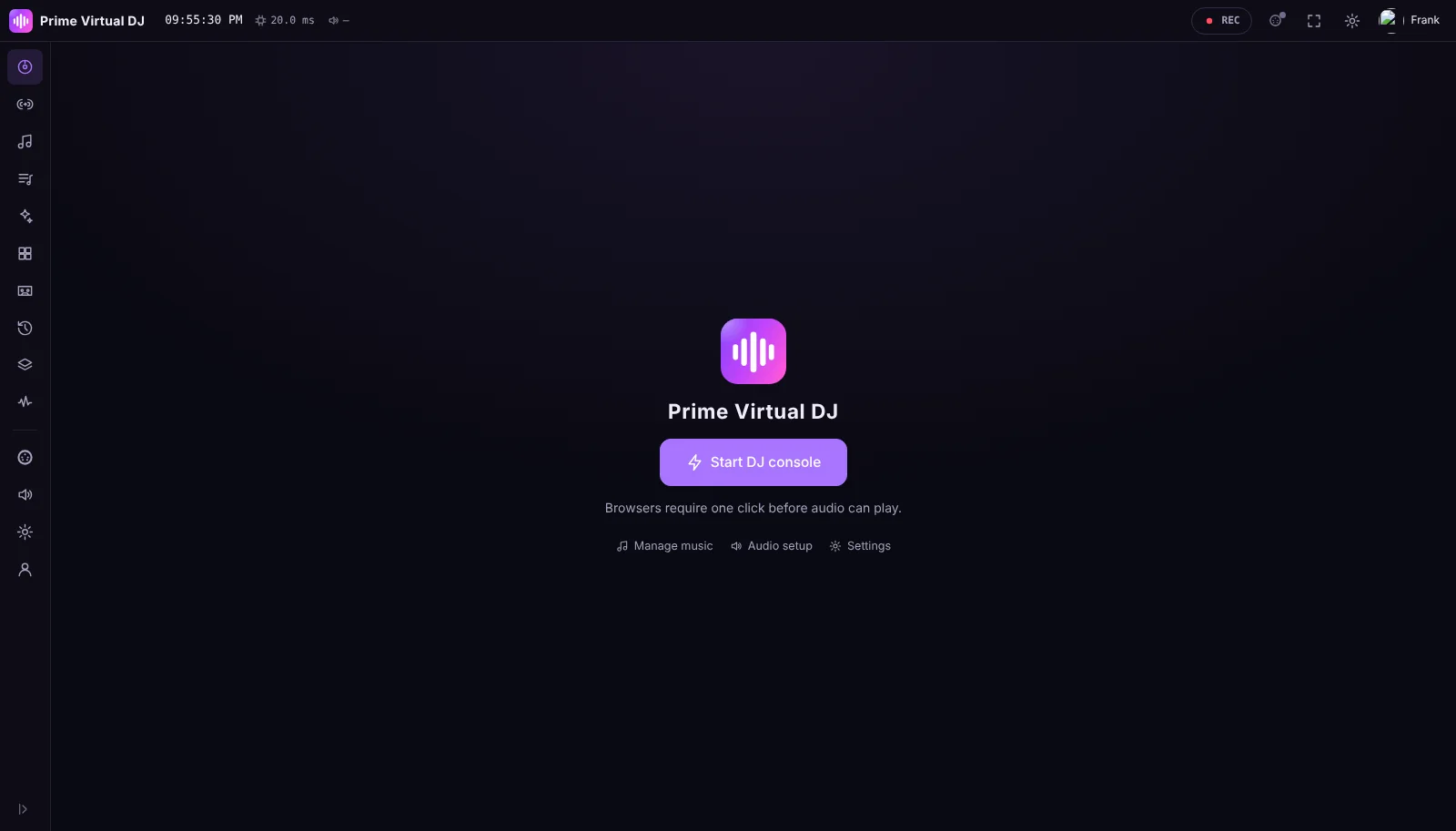
Press "Start DJ console" to switch on the audio engine and mix.
Requirements
What you need
- Browser
- Current Google Chrome, Microsoft Edge or Mozilla Firefox
- Device
- A desktop or laptop computer (phones and tablets are not supported)
- Internet
- Required while you use the web app
- MIDI
- Web MIDI in Chrome or Edge for controllers