Updating
Download the new version from this page and install it over the old one. Your library, playlists, cues and settings are kept.

macOS 13 or newer
One universal app for Apple Silicon and Intel Macs. Your music stays on your Mac and the app keeps working offline for up to 14 days at a time.
The download is not available yet. Please check back soon or contact support.
An active subscription is needed to activate the app. See plans · Download for Windows
Install
Click "Download for macOS" and open the downloaded .dmg file.
Drag Prime Virtual DJ onto the Applications folder, then eject the disk image.
Open Prime Virtual DJ from Applications. Because this version is not yet notarized by Apple, macOS blocks it the first time: click "Done", open System Settings → Privacy & Security, scroll down and click "Open Anyway" next to Prime Virtual DJ, then confirm with your password. You only need to do this once.
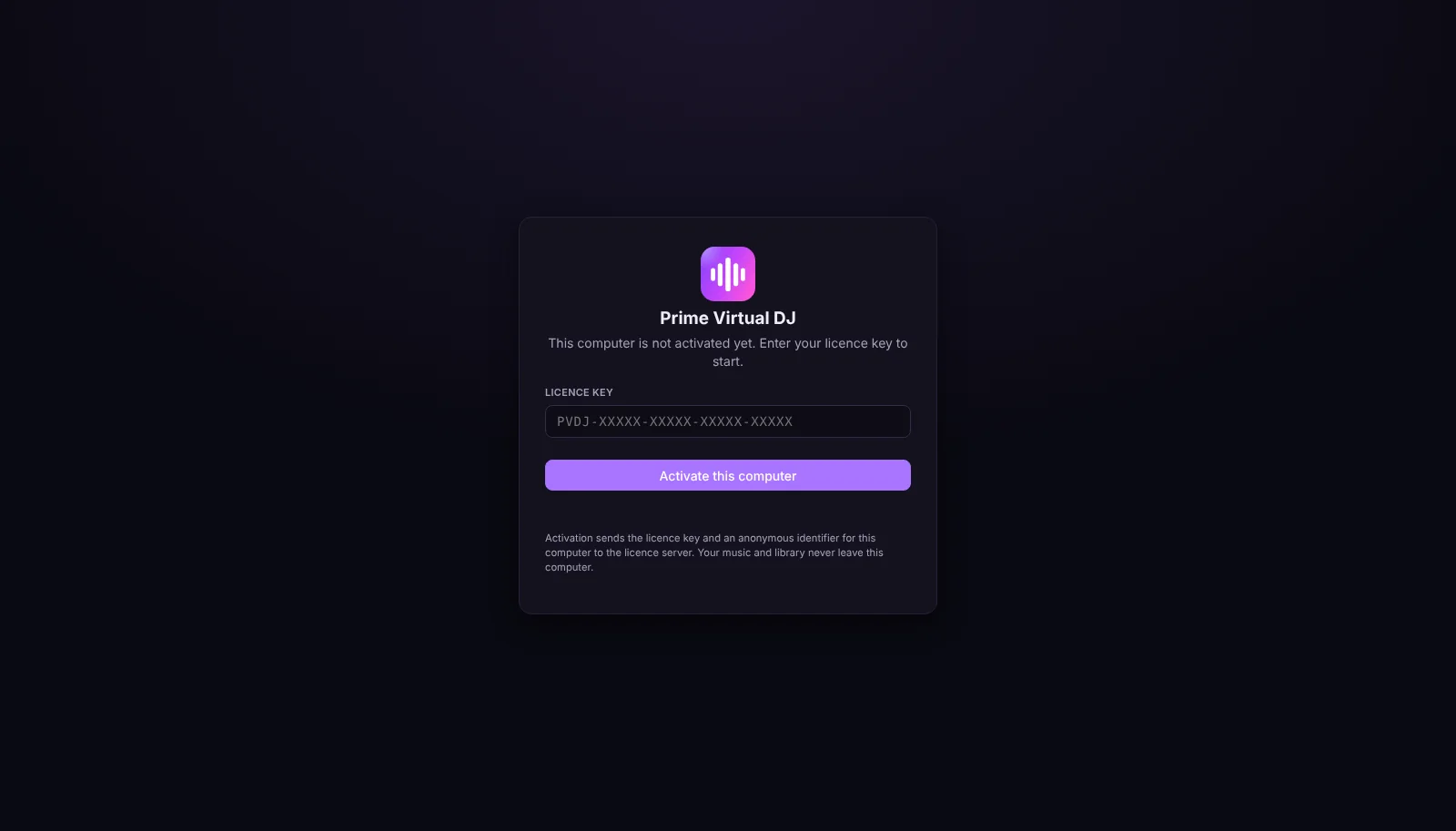
Paste the licence key from your e-mail or from My Prime Virtual DJ and click "Activate this computer". This Mac now uses one of your devices.
About the warning: this version is not yet signed with an Apple Developer ID or notarized by Apple, so macOS asks you to allow it once in Privacy & Security. Only download Prime Virtual DJ from primevirtualdj.com.
System requirements
Good to know
Download the new version from this page and install it over the old one. Your library, playlists, cues and settings are kept.
Remove the old computer in My Prime Virtual DJ, then activate the new one with the same key.
Only the licence key and an anonymous identifier for this computer are sent to our licence server. Music, playlists and recordings never leave your computer.