Manage devices
See every computer and browser that uses your licence and remove the ones you no longer use.

How it works
One account and one licence key for the Windows app, the Mac app and the web app.
Standard, Pro or Ultimate — the same software, different device allowances. Pay monthly through our secure checkout.
As soon as your payment is confirmed, your licence key is in your account and in your inbox.
Download the Windows or Mac app and enter your key once, or launch the web app and register your browser.
See and remove your devices, change plans or cancel at any time in My Prime Virtual DJ.
Your licence
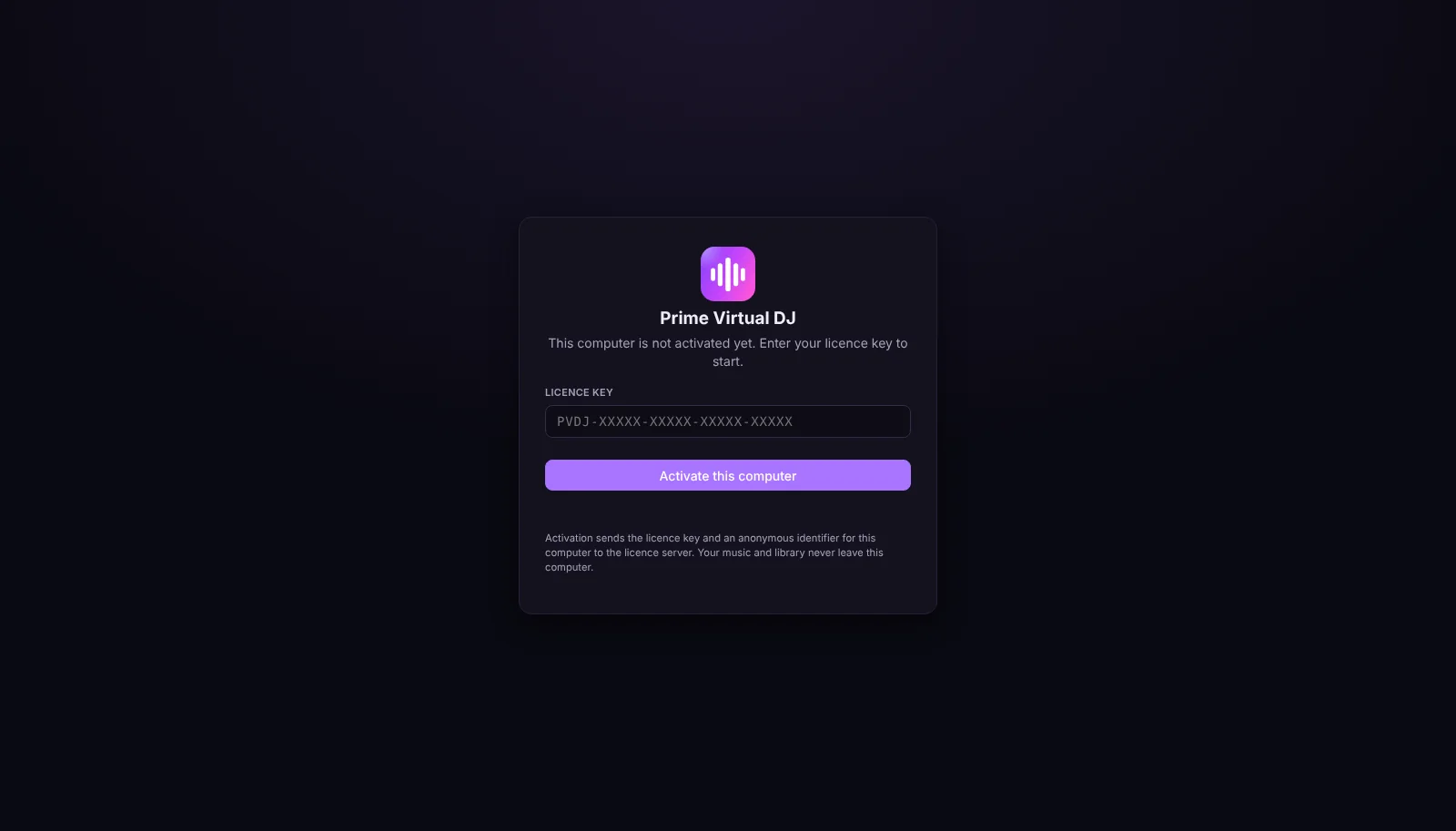
After payment, your licence key appears in My Prime Virtual DJ and arrives by e-mail. Enter it once in each desktop app. Each activated computer — and each browser you register for the web app — uses one device of your plan.
The desktop apps check the licence when they are online and keep working offline for up to 14 days. If your subscription ends, the apps stop at their next start once that period is over — never in the middle of a mix.
Your account
My Prime Virtual DJ shows your plan, status, next renewal, devices, licence key and downloads.
See every computer and browser that uses your licence and remove the ones you no longer use.
Upgrade or downgrade between Standard, Pro and Ultimate. Your key stays the same.
Update your payment method, see your billing history, or cancel — access continues until the end of the paid period.
Platforms
Nothing to install. Open the web app in Chrome, Edge or Firefox on your computer and sign in.
Launch Web DJA dedicated desktop app for Windows 10 and 11 that reads your music where it is and keeps working offline.
Download for WindowsNative on Apple Silicon and Intel Macs with macOS 13 or newer. Your library stays on your Mac.
Download for macOSChoose a plan from 9,99 € per month and start mixing today.