Updating
Download the new version from this page and install it over the old one. Your library, playlists, cues and settings are kept.

Windows 10 · 11
The full DJ app on your PC. Your music stays on your computer and the app keeps working offline for up to 14 days at a time.
The download is not available yet. Please check back soon or contact support.
An active subscription is needed to activate the app. See plans · Download for macOS
Install
Click "Download for Windows" and save Prime-Virtual-DJ-Setup.exe.
Open the file. If Windows shows "Windows protected your PC", click "More info" and then "Run anyway" — this appears because the installer is not yet code-signed. Then follow the installer.
Open it from the Start menu or the desktop shortcut.
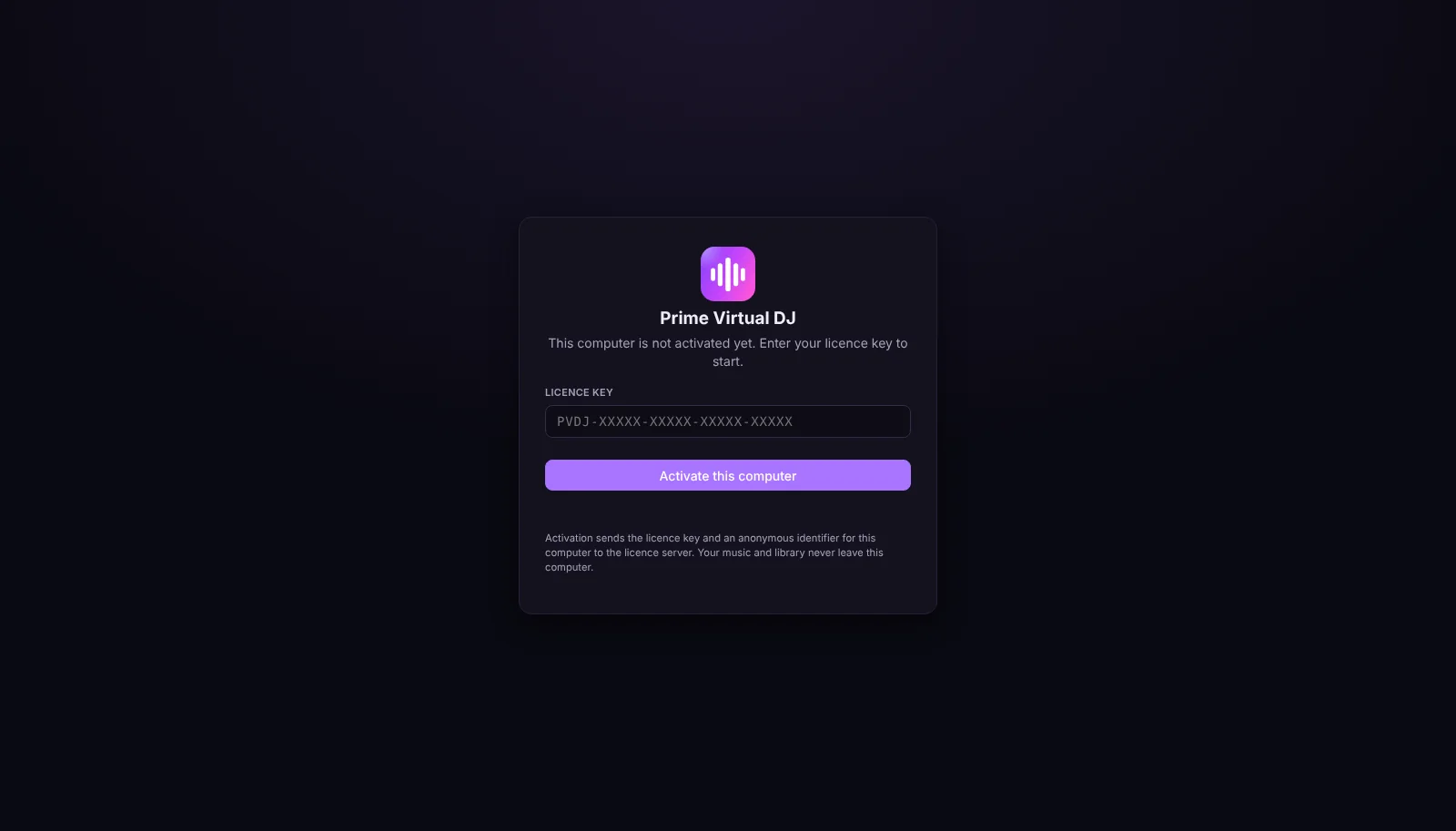
Paste the licence key from your e-mail or from My Prime Virtual DJ and click "Activate this computer". This computer now uses one of your devices.
About the warning: this installer is not code-signed yet, so Windows SmartScreen asks for confirmation. Only download Prime Virtual DJ from primevirtualdj.com.
System requirements
Good to know
Download the new version from this page and install it over the old one. Your library, playlists, cues and settings are kept.
Remove the old computer in My Prime Virtual DJ, then activate the new one with the same key.
Only the licence key and an anonymous identifier for this computer are sent to our licence server. Music, playlists and recordings never leave your computer.